Performance
Native placement quality
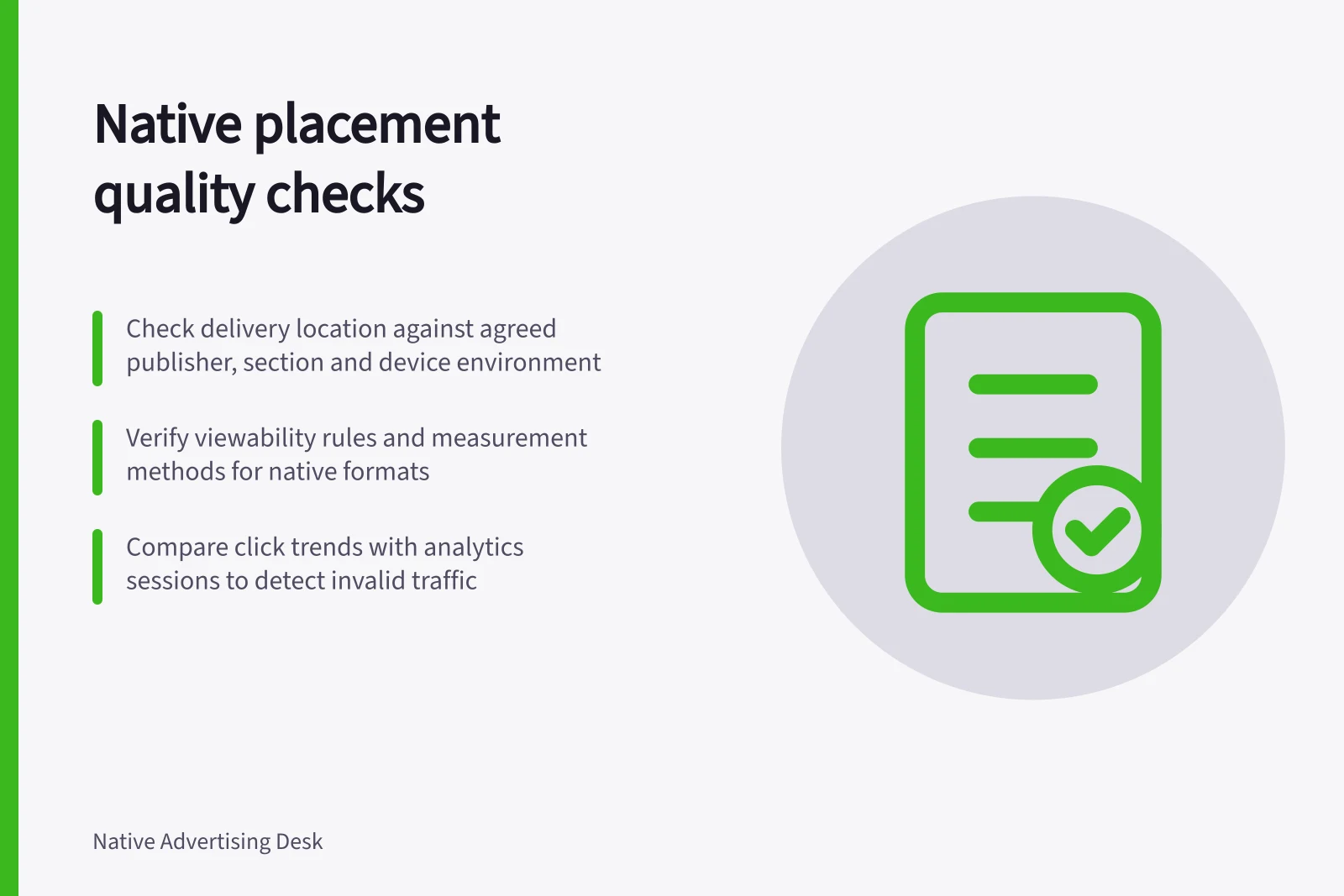
Assess native placements by delivery, visibility, landing behaviour and traffic credibility, with clear limits on what each signal proves.
A quality native placement gives the intended reader a fair chance to notice the promotion, understand its context and reach a useful destination. Assess it through four questions: where did it appear, could people see it, what happened after the click, and does the traffic look credible? One good signal cannot settle the others.
Define the placement you expected
Record the agreed publisher, section, format, device environment and delivery period before reviewing results. A publisher name can cover sections with different content and audiences. Native distribution may also reach newsletters, apps or other surfaces that do not resemble an article page. Ask the distributor how these appear in its reports.
Compare the agreement with the most detailed reporting available. Outbrain’s documentation says placements can appear under the “By Section” reporting view, including platform placements, and that some reports identify both the publisher site and the platform powering a placement. This does not establish that every network, account or export offers a combined view. Ask what an unfamiliar section ID or surface name means before treating it as a suitable placement.
Read the signals together
| Signal | Question it helps answer | Limit |
|---|---|---|
| Delivery record | Where and when was the promotion reported? | A section label may not identify an exact page or on-screen position. |
| Viewability, where measured | Did a measurable impression meet the stated rule? | Viewability is an opportunity to see, not proof of attention. |
| Landing behaviour | Did visitors reach and use the destination? | Tracking faults and slow loads can depress these figures. |
| Traffic pattern | Are click timing and source patterns plausible? | A suspicious pattern alone does not prove invalid traffic. |
For viewability, check whether the native format was measured, what share of impressions was measurable and which rule the supplier used. Do not assume a rule for measured display ads applies to an unmeasured newsletter or app placement.
After the click, compare placements using the same destination, period and engagement definition. Engagement measures do not prove someone read a sponsored article. If reading matters, define a relevant content action and check its tracking.
Outbrain notes that its click totals and Google Analytics sessions use different methods, so exact counts may diverge. It says the two reports should nevertheless show similar trends. Compare direction over matching periods before treating a gap in totals as evidence of a delivery problem.
Check the reporting time zone before reconciling daily figures: Outbrain states that its reporting uses US Eastern Time (UTC -5 hours) for global markets, while analytics may use another zone. Google Analytics sessions also expire after 30 minutes of inactivity, which can affect how a later return visit is counted.
Browser privacy settings, blocked cookies or JavaScript, and Google’s opt-out add-on can prevent Google Analytics from tracking some visitors. A person who bookmarks a landing page and returns in a later session can also produce two analytics sessions from one Outbrain click. These are possible measurement explanations, not proof that a placement was valid or invalid.
Check campaign tagging when traffic is missing from an expected campaign row. Outbrain says campaigns without UTM parameters can appear in Google Analytics as “paid.outbrain”; that label may therefore point to missing parameters rather than absent delivery.
Native Placement Quality Signals: What Each Proves and Its Limitations
- Delivery record
- Where and when was the promotion reported?
- Viewability (where measured)
- Did a measurable impression meet the stated rule?
- Landing behaviour
- Did visitors reach and use the destination?
- Traffic pattern
- Are click timing and source patterns plausible?
Reporting Time Zones and Tracking Considerations
- Tracking limitations
- Blocked cookies, JavaScript, privacy settings, opt-out add-ons
- UTM parameter impact
- Campaigns without UTM tags appear as 'paid.outbrain' in GA
Check disclosure and the destination promise
Inspect how the promotion appeared to readers, not just how the placement is labelled in a report. IAB Australia’s native advertising webinar identifies transparent disclosure as the first check when people may mistake a placement for editorial content and realise only after clicking that they have reached advertising.
Then compare the ad’s promise with the landing page’s actual offer and content. The webinar recommends checking this alignment after disclosure; if both are clear and results remain poor, audience fit may need review. Keep these checks separate so a weak result is not automatically attributed to the publisher or to traffic quality.
Key Checks for Native Ad Disclosure and Destination Alignment
- Inspect how the promotion appeared to readersNot just how it’s labelled in reports.
- Confirm transparent disclosure of advertising intentAvoid misleading readers into thinking it's editorial content.
- Verify promise matches landing page offer and contentEnsure no mismatch after disclosure is made.
- Separate disclosure checks from audience fit reviewA weak result isn’t automatically due to publisher or traffic quality.
Diagnose before changing delivery
Weak post-click activity may reflect poor visibility, a misleading creative, an audience mismatch or a faulty destination. Check the reporting period and units, then review the creative and landing page on the affected device. Compare creatives within a placement where the data permits.
A fault across sources points towards the destination or measurement. A problem confined to one section warrants a closer placement review.
Repeated clicks or abrupt spikes warrant investigation. Clicks and analytics sessions count different things: repeat clicks can fall within one session, and a visitor may leave before analytics loads.
Preserve the relevant campaign and source records, then ask the buying platform to examine a specific concern. An aggregate chart cannot establish that a publisher sent invalid traffic.
Record what the evidence supports: confirmed delivery, unresolved visibility, weak engagement, a tracking fault or traffic needing investigation. Assign a next step to each finding. Change delivery when you know which problem the change is intended to address.
When investigating a measurement gap, check that Google Analytics code is implemented across the site and at the top of each page. Outbrain specifically identifies home pages, section fronts and mobile pages as pages to include. This helps establish whether a gap is limited to a placement or reflects incomplete tracking across the destination.
Diagnosing Native Placement Issues: A Step-by-Step Approach
- Check reporting period and unitsEnsure consistency in timeframes and metrics across platforms.
- Review creative and landing page on affected deviceVerify alignment between ad message and destination content.
- Compare creatives within placement where possibleIdentify performance differences linked to specific assets.
- Investigate repeated clicks or abrupt spikesDistinguish between valid user behaviour and potential invalid traffic.
- Preserve campaign and source recordsSupport platform-level investigation with documented evidence.
In this guide
- Auditing where a native campaign actually appearedReconcile booked native placements with publisher, section and device reports, and document unclear or disputed delivery.
- Identifying placements with unusually weak engagementCompare like-for-like native placement engagement, check tracking and device effects, and investigate weak sources before changing delivery.
- Reviewing mobile placement visibilityCheck mobile native placement viewability definitions, measurability and the real on-screen experience before judging visibility.
- Investigating repeated clicks from low-quality sourcesInvestigate repeated native ad clicks with source-level records, technical checks and a specific platform review request.