Compliance
Part of Sponsored article production
Disclosing sponsorship where readers will notice it
Check sponsorship identification on each booked promotion and the article page where readers will encounter them.
If a sponsored article or its promotion could resemble independent editorial content, make its commercial nature clear where readers encounter it. Check the promotional item and the article page in their actual layouts. A disclosure agreed in a brief does not show whether readers will notice it.
Review each booked entry point
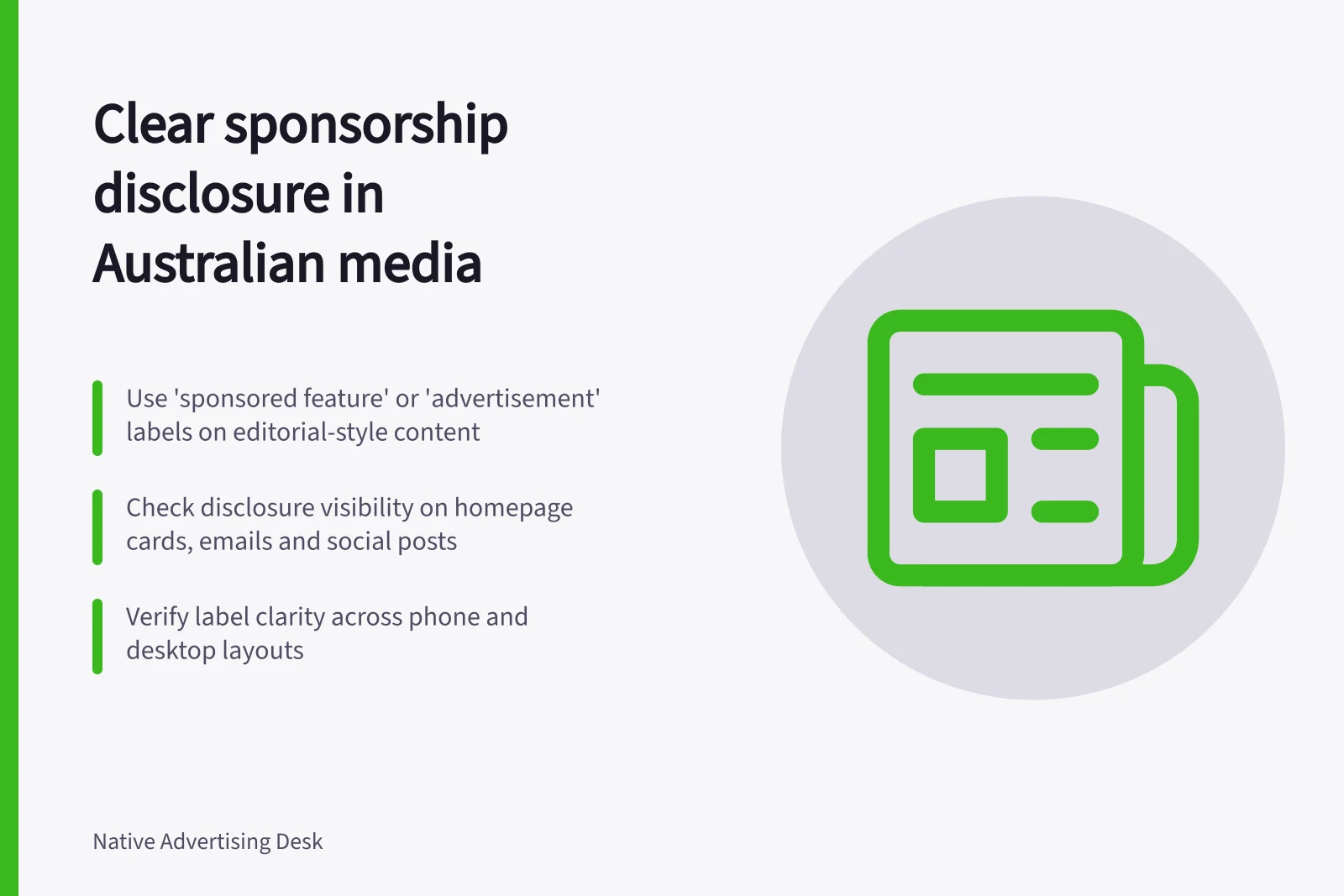
List the promotional surfaces in the booking, such as a homepage card, recommendation unit, email or social post, and check how each presents the article. Someone seeing only a promotional card should not have to open the article to learn it is advertising when the card otherwise resembles editorial content. Repeat a clear identifier on the destination page so direct visitors also understand its status.
For commercially arranged newspaper and magazine content that looks editorial, the Australian Press Council recommends identifiers such as “advertisement”, “advertising feature” and “sponsored feature”. Its guideline aims to prevent confusion with material selected on independent editorial news values. Check the publisher’s and distributor’s applicable requirements.
Sponsorship Disclosure Checklist: Ensure Visibility at Every Entry Point
- Identify all promotional surfaces (e.g., homepage card, email, social post)
- Verify disclosure is visible on promotional cards without requiring a click
- Use clear identifiers like 'sponsored feature' or 'advertising feature' on the article page
- Repeat the identifier on the destination page for direct visitors
Check the label in context
Look at the promotional label beside the headline, image and publisher name. On the article page, place the identifier where readers encounter the title and opening. Use wording that makes the commercial arrangement understandable. A sponsor name or decorative styling alone may leave its role unclear in a layout that otherwise looks like news.
Inspect phone and wider-screen versions. Cropping, truncation or an overlay can change what is visible. Check the actual email or social treatment when those are part of the booked promotion; a page label cannot explain a separate promotional item before a click.
Editorial vs Sponsored Content: Key Differences in Presentation
- Visual Style
- Label Placement
- Mobile vs Desktop View
- Email/Social Promotions
Check understanding and revise
Ask someone who has not seen the brief to identify the article’s commercial status after viewing each proposed entry point. If they cannot, revise the wording or position and review it again. This is a production check, not evidence of a reader study.
A sponsorship label does not substantiate a product claim. Keep disclosure and claim decisions in the same approval package, then recheck the disclosure if the promotion format, page template or destination changes.
Reviewing Sponsorship Disclosure Effectiveness
- Show each entry point to someone unfamiliar with the brief
- Ask if they can identify the commercial nature of the content
- If unclear, revise wording or position of the disclosure
- Re-test until clarity is achieved
- Re-check disclosure if format, template or destination changes