Performance
Part of Optimising a native advertising campaign
Adjusting native bids without rewarding low-quality clicks
Use useful visits and eligible actions to guide native bid changes, and check manual controls against automated bidding.
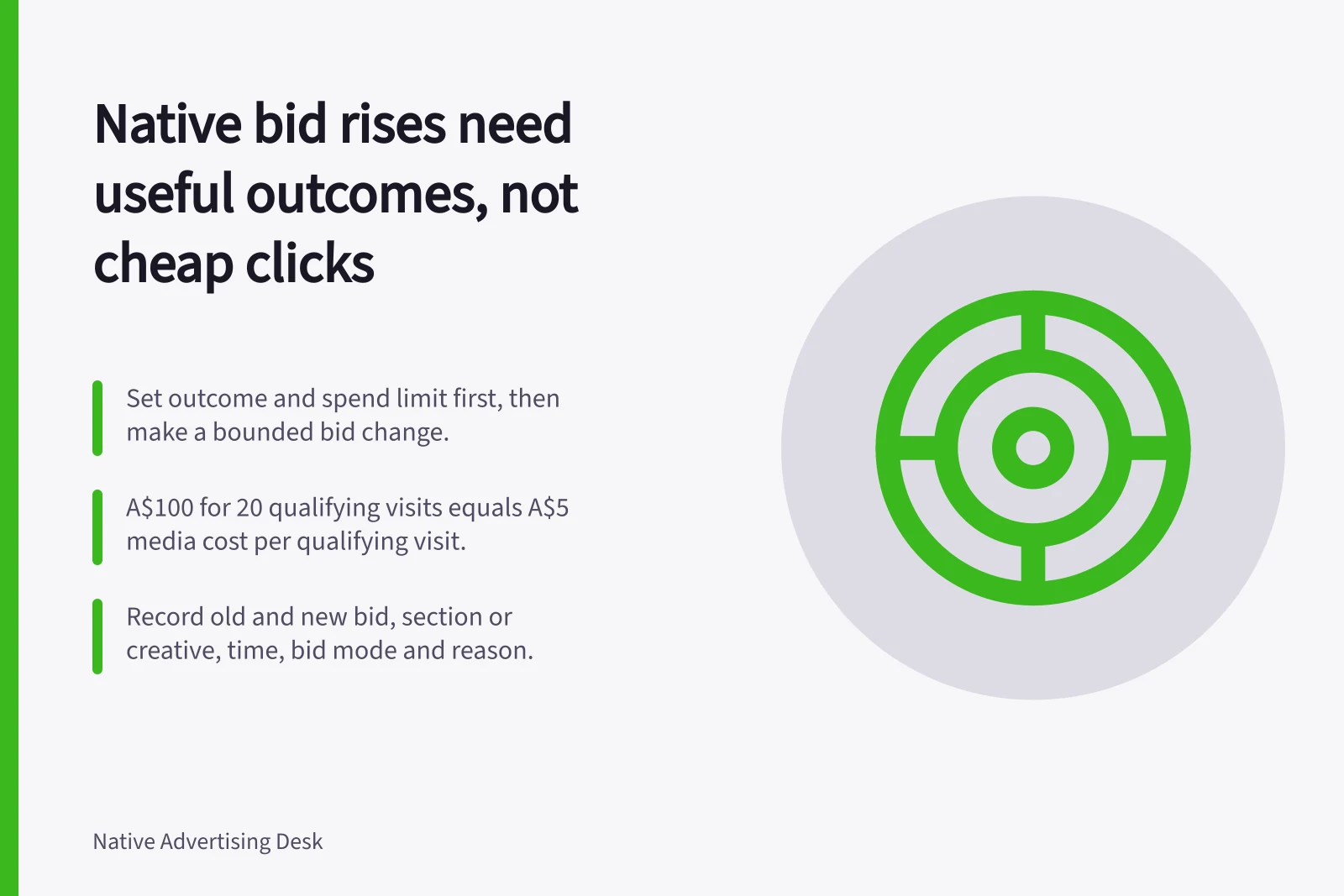
Raise a native bid only when the extra delivery is likely to produce enough useful outcomes to justify its cost. A low click price is not a reason to buy more from a section whose visitors rarely reach or use the destination. Set the outcome and spend limit first, then make a bounded bid change.
Read the path before touching the bid
For the section or creative under review, put spend, reported clicks, recorded arrivals, qualifying visits and eligible actions on the same date range. Label each unit. A platform click is not the same as a Google Analytics session; reconcile the definitions and tracking before treating a difference as evidence about reader quality.
Ask whether the opportunity is too little delivery or weak results after delivery. A section with limited delivery and repeated useful outcomes may justify a cautious increase.
Abundant cheap clicks with little useful activity call for a page, creative, measurement or placement diagnosis. Paying more for those clicks does not repair that weakness.
From spend to eligible action: the measurement path
- Campaign spend
- Platform-reported clicks
- Recorded arrivals
- Qualifying visits
- Eligible actions
Check what the extra spend can afford
Use the campaign’s approved maximum cost per relevant outcome, where one exists. Compare observed spend and outcomes with that limit while keeping uncertainty visible.
If an enquiry or sale is assessed later, allow the agreed observation period before treating recent clicks as failures. Do not substitute click-through rate for the intended action.
For illustration, A$100 spent for 20 qualifying visits is an observed media cost of A$5 per qualifying visit. An A$6 limit on the same basis might leave room for a cautious increase.
These figures are hypothetical arithmetic examples, not a recommended bid or forecast. A higher bid may change which impressions are won, so the old outcome rate may not continue.
Use a control the bid mode permits
Outbrain describes Semi Manual as a hybrid approach that brings traffic to the highest-converting sections without adjusting the campaign CPC.
Max Conversions and Semi Manual can begin optimising without a conversion created, while Target CPA and Target ROAS require a conversion event; Target ROAS also requires a conversion value. Check the actual account settings before choosing or combining controls.
If automated bidding is active, inspect the selected optimisation event. An easy but shallow event may steer optimisation towards activity that does not serve the campaign goal. Review later outcome quality separately.
Record the old and new bid, affected section or creative, time, bid mode and reason. After enough comparable delivery, review useful outcome volume and cost.
If spend rises without a corresponding gain in qualifying visits or eligible actions, reverse the increase or investigate the changed traffic mix. Keep a thin result provisional.
Bid modes and what each needs before it can optimise
- Semi ManualHybrid approach that brings traffic to the highest-converting sections without adjusting the campaign CPC; can begin optimising without a conversion created
- Max ConversionsCan begin optimising without a conversion created
- Target CPARequires a conversion event
- Target ROASRequires a conversion event and a conversion value
Record these details before you change a bid
- Old bid and new bid
- Affected section or creative
- Time of the change
- Bid mode in use at the time
- Reason for the change