Distribution
Part of Native placement quality
Reviewing mobile placement visibility
Check mobile native placement viewability definitions, measurability and the real on-screen experience before judging visibility.
Review whether a mobile native promotion had an opportunity to be noticed by checking a viewability report against a sample of the actual mobile surface. A delivered impression alone does not show that anyone had that opportunity.
Establish what was measured
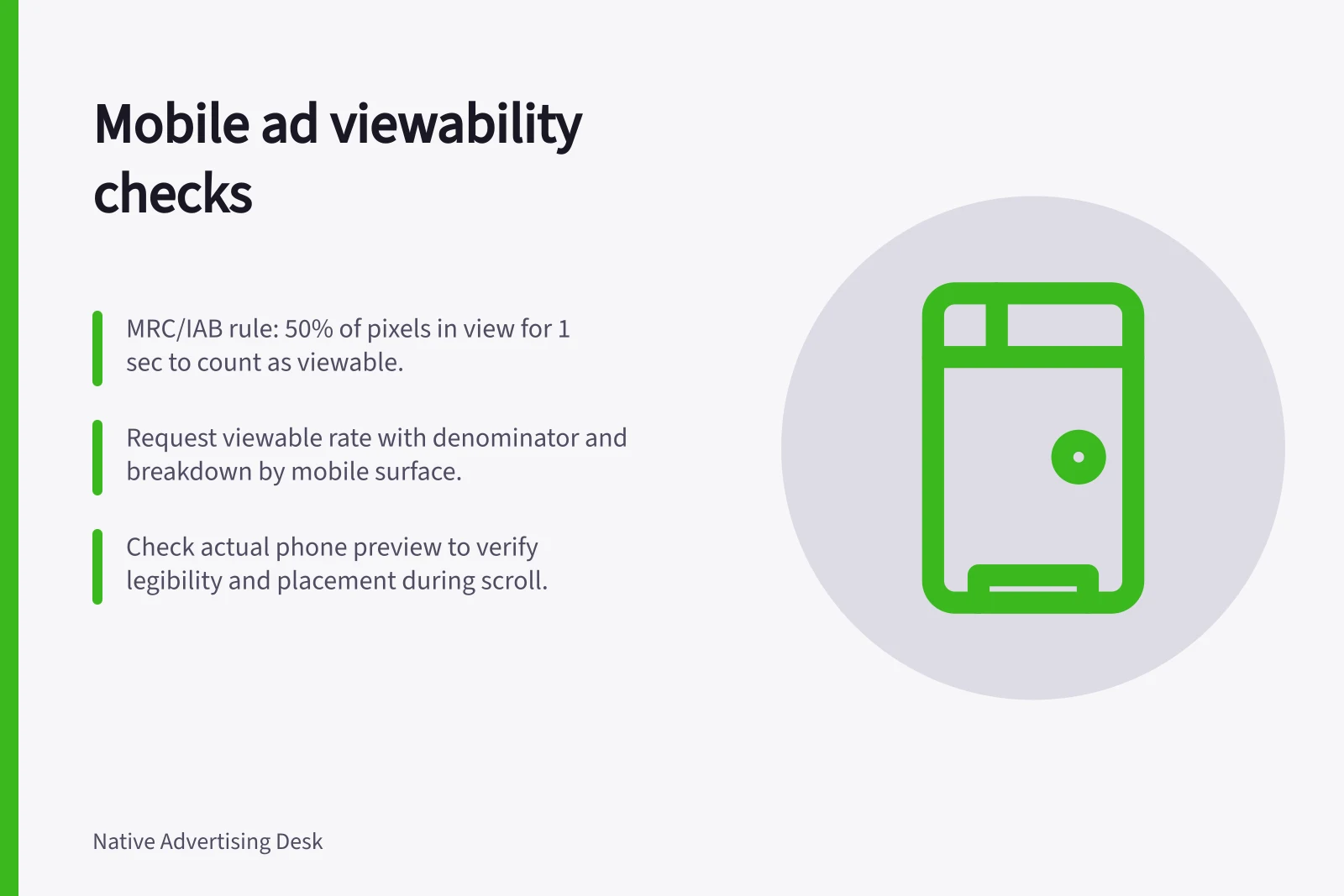
The MRC/IAB viewability rule counts a display impression as viewable when at least 50% of its pixels are in view for one continuous second. For video, at least 50% must be in view for two continuous seconds.
Ask for total, measurable and viewable impressions, the viewable rate and its denominator, and a breakdown by relevant mobile surface where available. A rate based on measurable impressions leaves unmeasurable impressions unresolved.
Viewability concerns an opportunity to see, not whether someone looked at or read the item.
Ask which formats were measured and which were not. If a format or surface is omitted from the breakdown, the report cannot establish visibility for that inventory.
Reported state / What it means
- Viewable under a stated rule
- The measured impression met that rule.
- Measured as non-viewable
- It failed the stated rule.
- Unmeasurable or no metric supplied
- Visibility remains unknown from that report.
Viewability Reporting Metrics to Request
- Total Impressions
- All delivered impressions
- Measurable Impressions
- Impressions eligible for viewability measurement
- Viewable Impressions
- Measurable impressions meeting viewability rule
Inspect the phone experience
Request a current preview or dated sample for each important surface. Check narrow and wider phone viewports where possible. Note when the item appears during a normal scroll, whether the headline and image are legible, and whether nearby navigation or ads crowd it.
Compare the sample with the surface named in the report. A preview shows an instance of the experience, not the viewability rate of delivered impressions.
Outbrain placements can appear in mobile or desktop apps, on mobile phone lock screens, and beyond publisher article pages or standard URL landing pages. Outbrain’s newsletter units appear in publisher newsletters, while platform placements appear in Amplify Dashboard under the “By Section” drop-down in the Campaigns tab.
Request a sample of the surface named in the report and record when a faithful preview is unavailable. A mobile-web screenshot cannot represent every app, lock-screen or other platform placement.
Follow the tap path to see whether the destination loads in the relevant browser or app context. A slow or difficult landing page concerns what happens after a click, not whether the promotion had a chance to be noticed before it.
Keep pre-click and post-click problems separate. Poor viewability concerns the chance to notice the promotion.
Put both observations beside the delivery numbers so the next decision addresses the observed problem.