Performance
Part of Measuring native advertising performance
Evaluating native campaign conversions over a suitable window
Choose a business observation period, distinguish it from attribution lookback and compare native campaign conversions after equal follow-up.
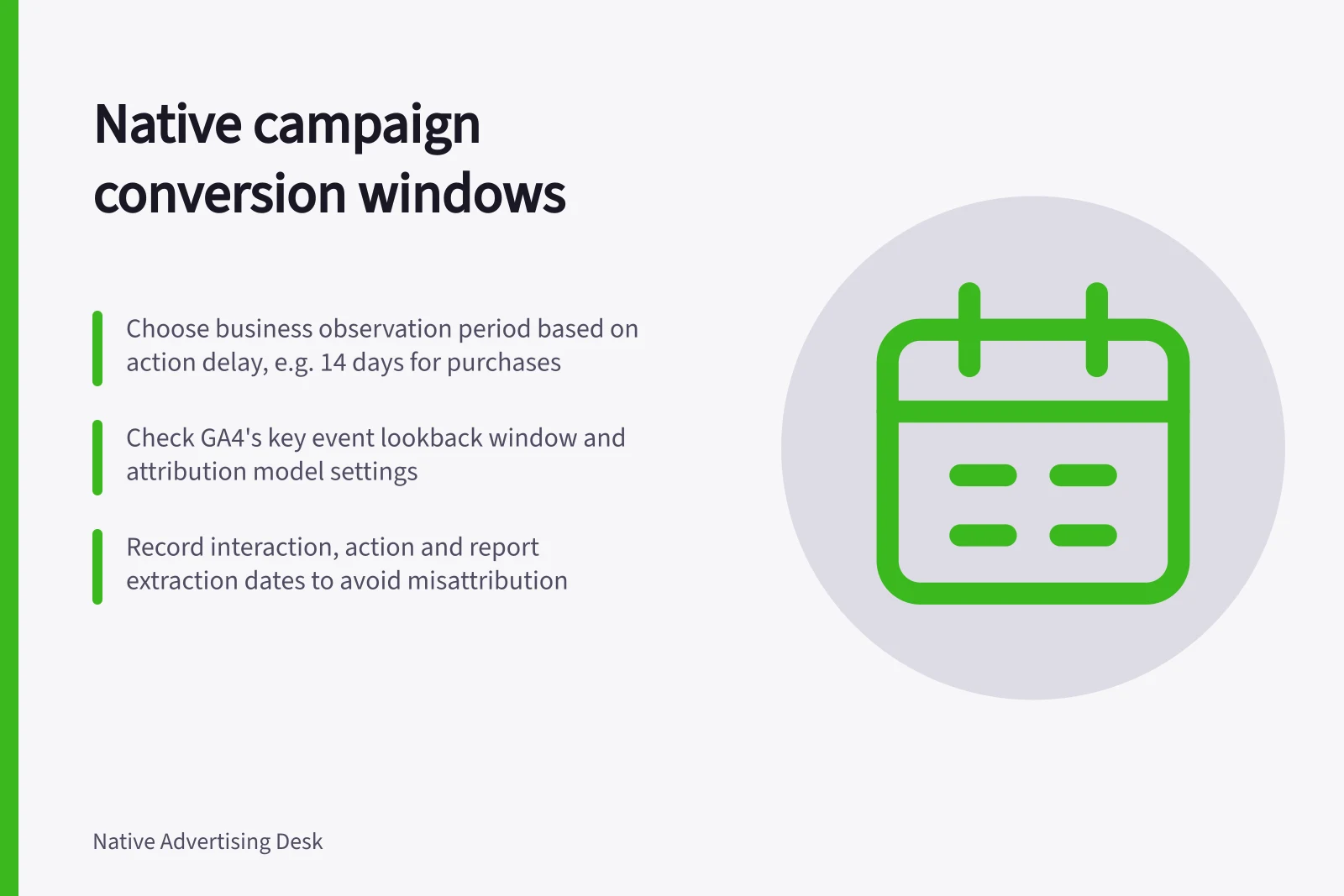
Choose a conversion observation period from the time people reasonably need to complete the intended action, then check what the reporting tools can attribute. Record both the business observation period and the tool's attribution lookback window. The first sets how long the business follows outcomes after an interaction; the second sets which earlier interactions may receive reported credit.
Define the action and its delay
A guide request, a form submission, an eligible enquiry and a completed purchase are different outcomes. Name the action being assessed, decide how duplicates count and state when its quality becomes known. If eligibility is checked later, show submissions and eligible enquiries separately.
Use the business's own prior journey data, where available, to estimate the delay between an eligible campaign interaction and the action. Consider the commitment involved: an immediate download and a purchase requiring consultation may need different observation periods. These are reasons for choosing a period, not universal native-ad benchmarks. Record the choice before interpreting results.
Record the dates and counting rules
Keep the interaction date, action date and report extraction date. An action can occur after campaign delivery ends, leaving late interaction groups with less time to convert in an early report.
| Rule to record | Why it matters |
|---|---|
| Business observation period | Sets how long an outcome is followed for the campaign decision. |
| Attribution lookback window | Sets how far back a tool may give an interaction credit. |
| Reporting date basis | Says whether attributed outcomes appear under interaction dates or action dates. |
| Counting method | Says whether repeated actions in a session count once or more than once. |
In GA4, review the key event lookback window, the key event attribution models report and the key event counting method when interpreting results. Check the property settings and the exact report before reconciling figures.
A buying platform may apply different rules. Outbrain provides documentation on tracking conversions using the Outbrain pixel and creating conversions using the Outbrain pixel. These are Outbrain product instructions, not defaults for native advertising generally; confirm the account and campaign settings before using the figures.
Give each interaction group enough follow-up
Compare interactions from different periods only after each has had the agreed opportunity to produce the action. For example, if the observation period is 14 days, an interaction near the end of delivery still needs its own 14-day follow-up. A report extracted the next day is provisional for that group. Fourteen days is an illustration, not a recommended setting.
Show provisional outcomes during delivery, but identify which groups have not completed their observation period. If an early decision is necessary, state the shorter follow-up available to the latest group.
If the tool's attribution lookback is shorter than the chosen business period, later actions may exist in business records without receiving campaign credit in that tool. Matching them to interactions also depends on the identifiers and permissions actually available.
Reconcile the completed action
Check that the recorded event represents the completed action, rather than a button press or page arrival. GA4 provides reporting on key events; check the relevant report and test the actual implementation. Where a customer record establishes eligibility or completion, reconcile it with the analytics event under the agreed counting rule.
Report the outcome with its observation period, attribution rule, date basis and tracking limits. An attributed action shows how a tool assigned credit; it does not, by itself, prove that the native ad caused the action.