Distribution
Part of Native campaign targeting
Reviewing audience geography in a native campaign
Geographic targeting begins with fulfilment. Where can a visitor buy, book or receive the service? Map that area first, including delivery boundaries and language …
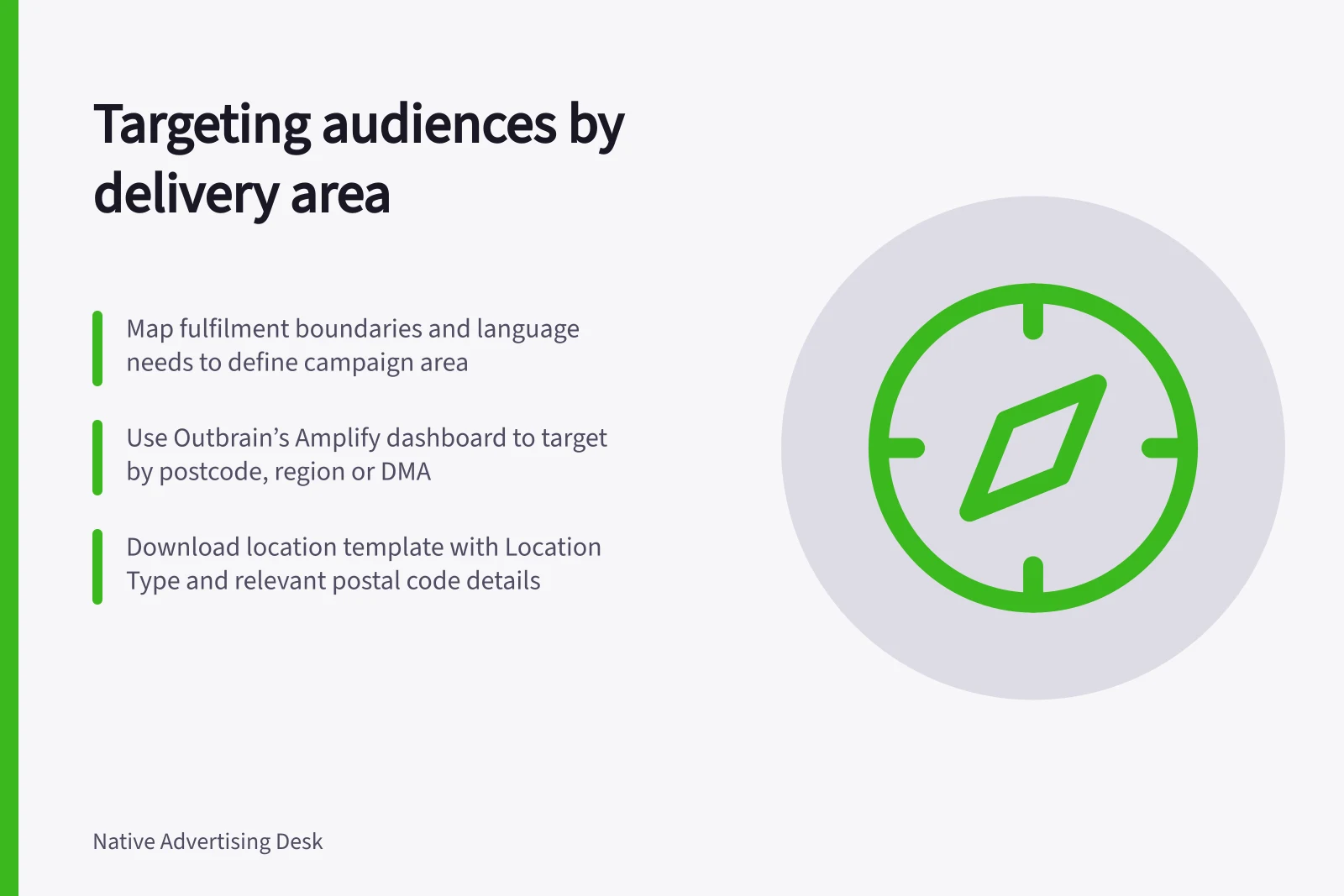
Step 1 — Map the fulfilment area. Start with where a visitor can buy, book or receive the service. Mark delivery boundaries and language needs, then use that map to define the campaign area.
A broader audience may produce cheaper clicks that cannot become customers. Keep the target area aligned with where the offer can be fulfilled.
Step 2 — Configure location targeting. In Outbrain’s Amplify dashboard, open Targeting and use Location (Geo-Targeting) to target by country, region, DMA or postal code (postcode). Add exclusions where needed so campaign delivery matches the area you can serve.
Step 3 — Set up multiple inclusions or exclusions. Download Outbrain’s location template and complete it for the locations you want to include or exclude. Location Type is mandatory; use Location Name for a country, region or DMA, and Country Initials and Postal Code for postal codes, leaving irrelevant cells empty.
Outbrain allows up to 7,000 postal codes in one campaign. Select Import below the targeting inclusions or exclusions and choose the saved CSV; location names auto-populate after a successful upload.
Check the Potential Reach Estimator with care. It does not support exclusions or postal codes, so scale may be more limited than it appears when you use either option.
Keep contextual setup separate from this geography check. Taboola notes that contextual targeting availability and diversity depend on the targeted country and language; that is not a location-setting check.
Step 4 — Check delivery against eligibility. A person may browse while travelling, and an IP-based location estimate is not proof of a home address. Treat campaign delivery and conversion eligibility as separate checks.
If an offer is limited to a city, make that limit clear on the landing page and in the conversion flow. Avoid rejecting a valuable enquiry solely because the ad platform reported a neighbouring area.
Step 5 — Review regional performance after launch. Compare spend, qualified visits and eligible outcomes for each region using the same dates and the location units used in the campaign. This keeps the comparison consistent.
A broader audience may bring cheaper clicks that cannot become customers, so read spend alongside qualified visits and eligible outcomes. Tighten a boundary only when the regional evidence supports it.
Step 6 — Record exclusions for the next review. Keep a record of the excluded areas and revisit them when the business expands or the offer changes.
Key Considerations in Geographic Targeting
- Potential Reach Estimator LimitationDoes not support exclusions or postal codes; may overestimate reach when these are used.
- Contextual vs. Geographic TargetingContextual availability varies by country and language—do not confuse with geography settings.
- IP-Based Location AccuracyAn IP address may reflect travel, not home location—do not assume eligibility based on IP alone.
Outbrain Geo-Targeting Limits and Capabilities
- Supported Targeting Levels
- Country, Region, DMA, Postal Code (Postcode)
- Template Import Format
- CSV (Location Type mandatory; Country Initials and Postal Code required for postcodes)