Creative Formats
Native video and interactive formats
Plan native video and interactive features around the information they add, the booked experience, accessibility, sponsorship and useful reporting.
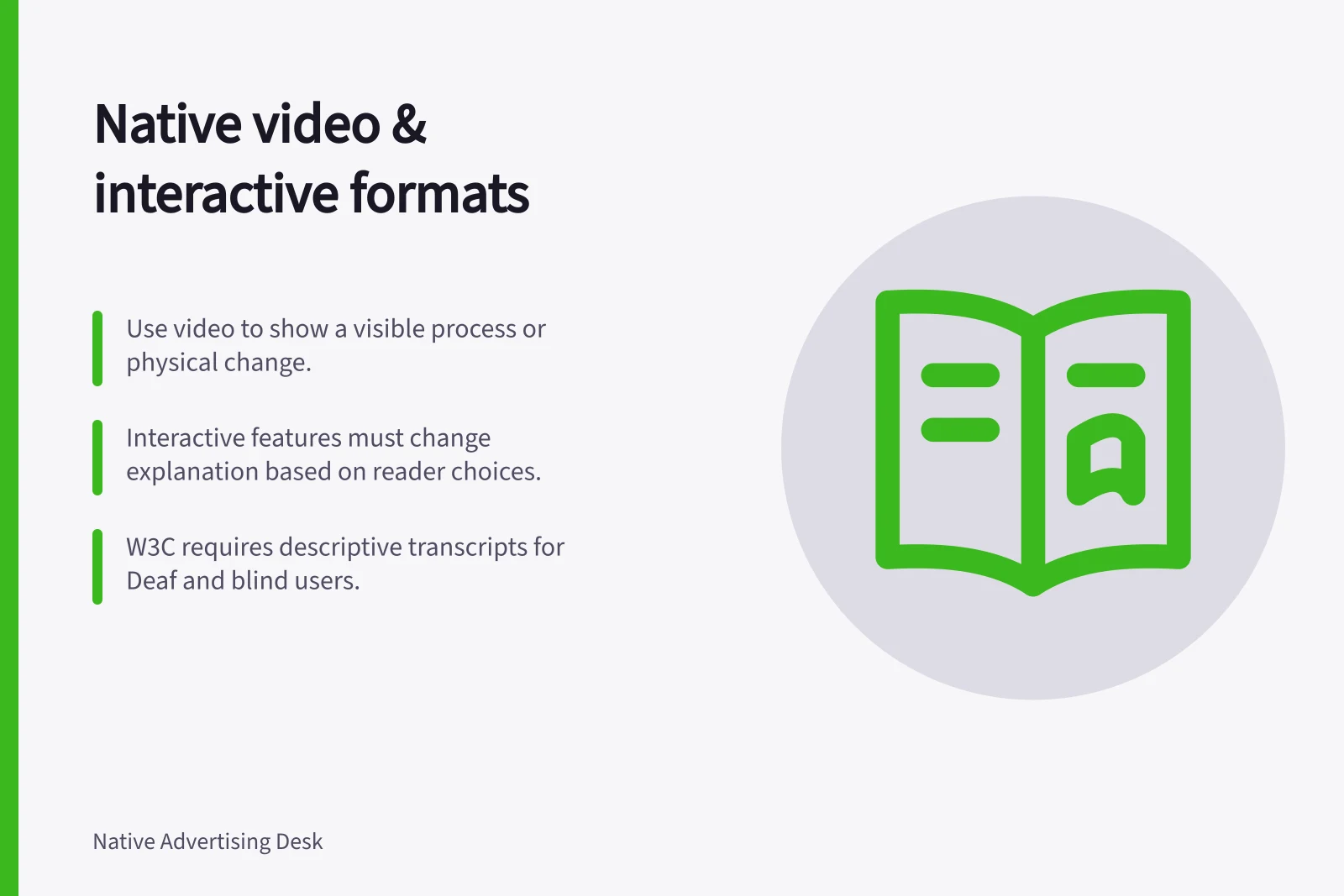
Use video when the answer depends on seeing something happen. Use an interactive feature when a reader’s choices change the explanation they need. If neither adds useful information, a sponsored article may be enough.
Decide what the format adds
A demonstration can show the order of a task, a physical change or a detail that is hard to describe. An interactive feature can reveal different explanations for different circumstances. Write down the information the reader will gain from watching or choosing. If removing the motion or controls leaves the answer intact, simplify the asset.
| Proposed asset | Information it should add | Production question |
|---|---|---|
| Demonstration video | A visible process or change | Which moments need to be seen, and which conditions need words? |
| Interactive guide | An explanation that changes with a choice | Does each question affect the result? |
| Video with interactive elements | A choice that changes what is shown or explained | Can readers still find the essential information and return to a choice? |
Specify the experience before making assets
For video, establish where it appears, whether it plays automatically, its sound behaviour and where a click leads. For interaction, establish the entry point, controls, possible results and what happens when a reader goes back or the feature fails. Review the promotion and destination as one path on a phone.
Outbrain describes an outstream unit that defaults to mute and starts playing when in view, available through its Zemanta buying route. Obtain the proposed surface, creative specifications and reporting definitions for the actual booking.
Make the information usable
Plan captions for relevant speech and sounds, and convey important visual information through narration, description or an appropriate text alternative. Choose a player people can operate. An interactive feature needs controls with meaningful names, a predictable sequence and access to its essential explanation when a particular interaction cannot be used. The applicable accessibility requirements depend on the finished asset.
Do not make a reader complete a quiz to reach an answer that could be stated directly. If the feature asks for personal information, explain its purpose and keep any optional commercial follow-up distinct from the explanation.
Plan media accessibility in production
Put media access requirements into the script and shot plan, not only the final review. W3C notes that integrated description is easier to provide when included in the script before filming. Flag visual information that narration must explain, including charts, graphs and text such as speaker names, titles and email addresses.
Set text alternatives as production deliverables. W3C recommends captions for speech and non-speech audio, and a transcript as a text version of both; ideally, the transcript also describes visual information. W3C states that descriptive transcripts are required to provide video content to people who are both Deaf and blind.
Check the player as part of the asset, rather than assuming playback alone provides access. W3C recommends an accessible media player and says to provide sign language when the audience needs it, in the native language of Deaf people who use sign language.
Planning accessible media production
- Include accessibility in the script and shot planFlag visual content (e.g., charts, text, speaker names) that needs narration
- Set text alternatives as deliverablesProvide captions for speech and non-speech audio; include descriptive transcripts
- Choose an accessible media playerEnsure controls are operable and compatible with assistive technologies
- Provide sign language when neededUse native sign language for Deaf audiences where appropriate
- Test playback and access togetherDon’t assume playback alone ensures accessibility
Check the message and the report
Review sponsorship cues at the promotional entry point and destination. Check narration, captions, on-screen text and result screens against the same claim evidence.
Define measures around the asset’s job. A reported video view does not show that someone reached the explanation; an interaction start does not show that someone reached a result. Ask how the supplier counts starts, views, progress and result visits. Keep technical delivery and the reader path beside those counts when deciding what to change.
The AANA Code defines advertising to include advertising, marketing communication or material published or broadcast using any medium. It also covers activity undertaken by or on behalf of an advertiser or marketer over which they have a reasonable degree of control.
That activity draws the attention of the public in a manner calculated to promote or oppose directly or indirectly a product, service, person, organisation or line of conduct.
Its scope is therefore relevant to the controlled parts of a sponsored video or interactive experience, not just the initial promotional unit.
The Code applies to advertising or marketing communications under the advertiser’s reasonable control whether or not payment or other valuable consideration is involved. It also covers communications where potential customers are physically present in Australia, making control and audience location relevant checks for campaigns seen here.
The Code’s objectives include ensuring communications are legal, honest and truthful, prepared with respect for human dignity, and mindful of harm to consumers and society. Apply those objectives across the experience, including narration, captions, on-screen material and interactive outcomes.
The ACCC can require businesses to back up claims about their products or services. It says reports of possible misleading or false claims inform its education, compliance and enforcement work; it does not resolve individual disputes or provide legal advice.
Regulatory and compliance considerations
- AANA Code coverageApplies to all advertising under reasonable control, including sponsored videos and interactive experiences
- ACCC enforcement powerCan require businesses to substantiate claims about products/services
- Scope includesAny audience physically present in Australia, regardless of payment
- Core objectivesLegal, honest, truthful, respectful of human dignity, minimising harm to consumers and society
In this guide
- Comparing in-feed video with sponsored article distributionCompare in-feed video and sponsored article distribution by reader path, booked deliverables and the measures that answer your campaign question.
- Planning an interactive native asset without unnecessary frictionPlan an interactive sponsored feature from its result, with a short reader path, clear result logic and only the inputs the answer needs.
- Creating a useful preview for a longer native videoEdit a native video preview that fairly samples the full explanation, fits the booked placement and gives viewers a clear route to continue.
- Checking accessibility in an interactive sponsored featureCheck an interactive sponsored feature across keyboard use, screen readers, result states, reflow, media alternatives and sponsorship cues.