Creative Formats
Part of Native video and interactive formats
Creating a useful preview for a longer native video
Edit a native video preview that fairly samples the full explanation, fits the booked placement and gives viewers a clear route to continue.
A useful preview identifies what the longer sponsored video answers, shows a representative sample of that answer and gives a clear route to the full video. It should remain an honest invitation even for someone who never watches further.
Choose the promise before the clip
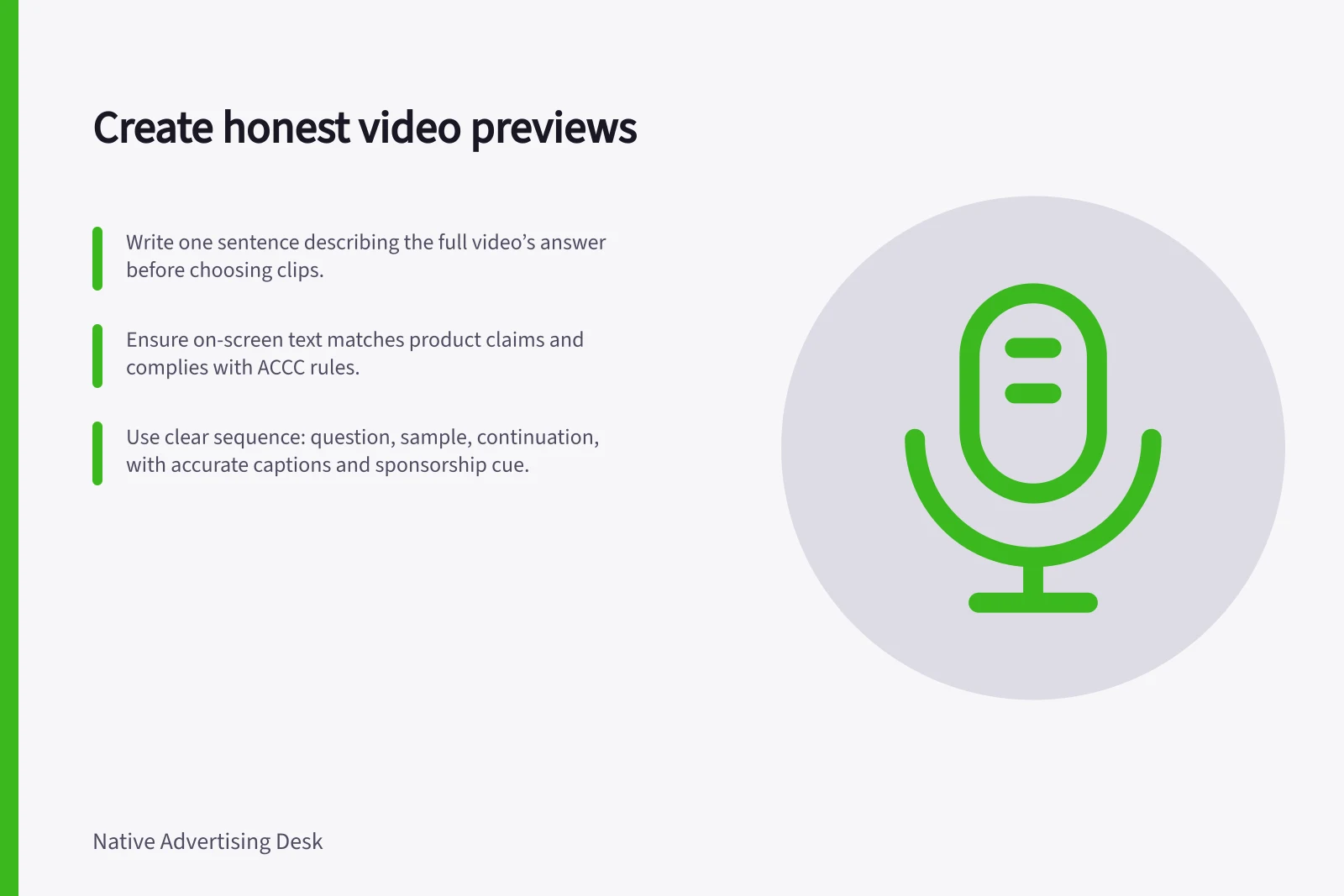
Write one sentence describing the full video’s answer, then mark the moments that deliver it. For the hypothetical appliance-maintenance video, that sentence could be: “This video shows the checks involved before routine maintenance.” Choose shots of those checks; dramatic images the full video never explains would misrepresent the promise.
Select a moment with enough context to understand what is happening: establish the task before showing a check, and retain enough of the explanation to identify it. A crop or opening shot can imply a result the video does not establish, so add accurate context or choose another shot.
Check names, numbers and product conditions in on-screen text as carefully as narration. The ACCC says it can require businesses to back up claims about their products or services.
The AANA Code of Ethics applies to advertising and marketing communications under an advertiser’s reasonable control, whether or not payment or other valuable consideration was involved. Keep a clear sponsorship cue in the preview and destination, and check the overall presentation against the Code’s objective of legal, honest and truthful communications.
Give the preview a clear sequence
- Question:Identify the task or decision the full video addresses.
- Sample:Show a real part of its explanation.
- Continuation:State what remains in the full video and how to reach it.
Start with a context shot that establishes the task, move to the check itself, then use a close detail only when it helps identify what is being checked. End with a frame that points to the longer explanation, not a claim or reveal it does not support.
This is an editing structure, not a prescribed duration or a tested performance formula. Cut for the booked surface and the context viewers need.
Make the subject understandable without sound. Prepare accurate captions for relevant speech and sounds, and convey important visual information through narration, description or accompanying text as appropriate to the media.
Fit the actual placement
Check whether the preview autoplays, starts muted, appears as a clickable thumbnail or leads to another page. For muted autoplay, make the subject and question clear in the opening image and on-screen text; for a clickable thumbnail, choose a representative frame and make the headline match it. These behaviours depend on the provider and campaign setup, so verify how the actual placement works.
Review the first frame, crop, headline, sponsorship cue and call to action in the proposed placement, then follow the path on a phone. For each crop, keep the subject and essential text visible; ensure the headline and call to action preserve, rather than enlarge, the promise.
The destination should present the complete video clearly and make the promised answer easy to find. A direct visitor should also recognise the commercial relationship.
Read progress measures carefully
A reported view does not show whether someone reached the explanatory section. Ask the supplier for its definitions of starts, views and progress; these can vary by supplier and format.
Mark the moment in the full video when the promised explanation begins. Ask whether progress reporting can show how many viewers remain at that point, how the supplier defines that event and what count it uses as the denominator.
Read the report in stages, using the supplier’s definitions: compare starts and views, then check progress at the marked explanation point if that measure is available. If viewers begin but few reach the promised explanation, inspect the opening of the full video, the preview’s promise and technical delivery before drawing a conclusion about the audience.
Record which preview and full-video versions ran together, so a later edit does not leave the invitation inaccurate.
Key compliance and performance considerations
- ACCC claim requirements
- Businesses must be able to back up claims about products or services.
- AANA Code of Ethics
- Advertising must be legal, honest and truthful under reasonable control.
- Google Ads view definitions
- Varies by supplier and format—verify start, view and progress metrics.
- WCAG accessibility guidance
- Ensure content is understandable without sound; provide accurate captions.