Sponsored Editorial
Native advertising campaign handovers
Build a native campaign handover that records commitments, approved versions, changes, delivery evidence and open decisions.
A native campaign handover should show the next owner what was promised, what is live and what still needs a decision. Keep the agreed schedule, approved versions, changes and delivery evidence together. Give every open item an owner and a next action.
Record the current state
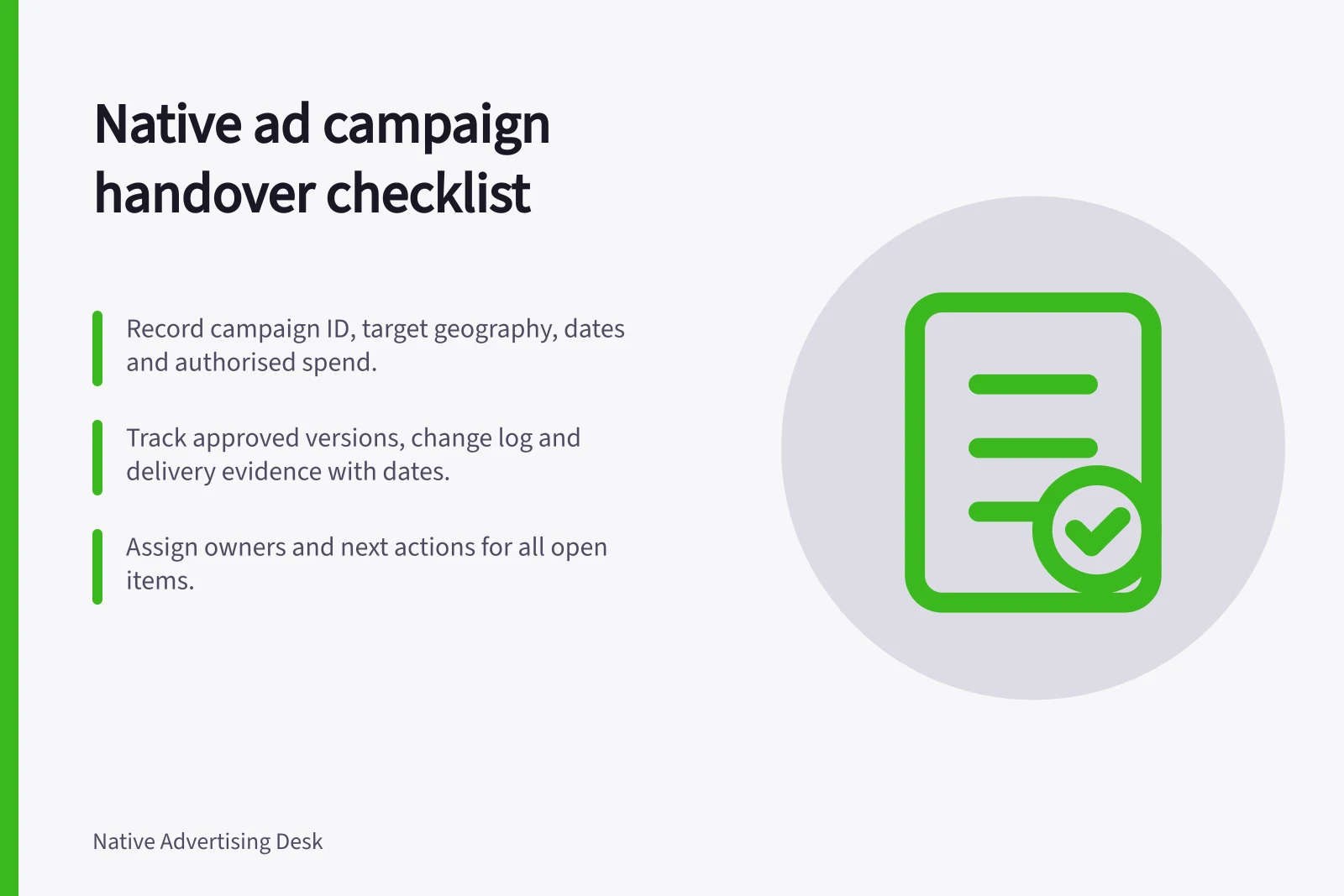
Record the campaign identifier, supplier, target geography, dates, destination, authorised spend, reporting period, and current article and creative versions. Name the responsible person on each side. Mark the campaign as awaiting launch, delivering, under review or closed, with an as-of date.
Record / Question it should answer
- Agreed schedule
- What was agreed for the campaign?
- Approved package
- Which article, headline, image, sponsorship treatment and destination were authorised?
- Change log
- What changed, who decided and which versions were affected?
- Delivery evidence
- What was reported, and what does each dated example show?
- Open-items list
- What happens next, by whom and by when?
Keep forecasts and proposals separate from commitments. Predicted readership does not become a delivery obligation because it appears beside booked promotion.
If distribution or targeting involves a digital platform, identify the service type—such as a search engine, social media application or online content aggregator—and the commercial counterparties.
Campaign Handover Essentials
- Campaign Identifier
- Required for tracking and audit purposes
- Authorised Spend
- Must be aligned with contract and budget controls
- Reporting Period
- Defined by agreement; impacts data consistency
- Data Protection Compliance
- Critical when using user data for targeting
Hand over at each checkpoint
Before launch, check the handover’s brief reference to the supplier’s written commitments. Flag any unresolved conditions or approvals that could affect the campaign. Record the agreed route for changes.
At publication, record the live URL and the versions of the article and promotional items. Check the rendered treatments relevant to the booking, including a phone view. A screenshot shows one appearance at a particular time; it cannot establish delivered volume.
During delivery, record changes to the destination, creative, targeting or schedule with their reasons and effective dates. Carry unresolved supplier questions forward. The incoming owner should know whether a reporting difference is being investigated, accepted as a limitation or awaiting correction.
At close, compare committed items with their delivery records. Keep metric definitions and extraction dates with exported figures. If Google Analytics 4 is used, record the extraction time and any outcomes still pending.
Record whether to accept delivery, resolve an exception or consider another booking.
Where user data informs audience reach or targeting, note which data inputs the outgoing owner relied on and flag any unresolved data-protection or privacy questions. Digital platforms’ access to user data can enable more precise targeting.
Key Handover Checkpoints in a Native Campaign
- Before LaunchReview supplier commitments, resolve approvals, agree change process
- At PublicationCapture live URL, approved creative versions, and rendered treatments (including mobile)
- During DeliveryTrack all changes with dates, reasons, and responsible parties; carry forward open issues
- At CloseReconcile commitments vs. delivery; preserve metric definitions, extraction times, and pending outcomes
Check that the handover can be used
Ask the incoming owner to locate a promised placement, its approval, a live example and the matching report entry. If that path depends on someone’s memory, add the missing identifier or explanation. The same record should identify the current claim decision and who can authorise a correction.
In this guide
- Recording publisher commitments before launchTurn a native publisher proposal into a checkable schedule of deliverables, dates, approvals, evidence and change decisions.
- Tracking changes to a sponsored article after publicationRecord and approve changes to a live sponsored article, then verify the article and affected promotions.
- Archiving campaign screenshots and delivery reportsPreserve native campaign screenshots and delivery reports with the dates, versions, definitions and limits needed for later review.
- Reviewing whether a native placement earned a renewalDecide whether to renew a native placement by checking promised delivery, useful outcomes, cost and what a new booking would change.